Your PC Just Became an Xbox: Windows 11's Massive New Update is Here
Let’s be honest: using Windows to play games can sometimes feel like a chore. You’re clicking through menus and squinting at tiny icons when you just want to play.
But that all changes today. Microsoft is officially rolling out a full "Xbox Mode" for Windows 11 PCs, and it’s a total game-changer.

Your Desktop is Now a Console
Think about how smooth it feels to turn on an Xbox. You grab the controller, and everything you need is right there in big, beautiful tiles.
That exact experience is finally coming to your PC. No more messing around with a mouse and keyboard just to launch a game.

It’s called the "Game Bar Compact Mode," and it turns your screen into a console-style dashboard. It’s clean, it’s fast, and it looks incredible.
Whether you're on a high-end rig or a laptop, your computer is about to feel way more like a dedicated gaming machine.

The Update Handheld Owners Have Been Praying For
If you own an ROG Ally, Legion Go, or a Steam Deck running Windows, this is for you. We all know the pain of trying to click a tiny "X" with a joystick.
This update fixes that nightmare instantly. The new interface is built specifically for controllers and small screens.
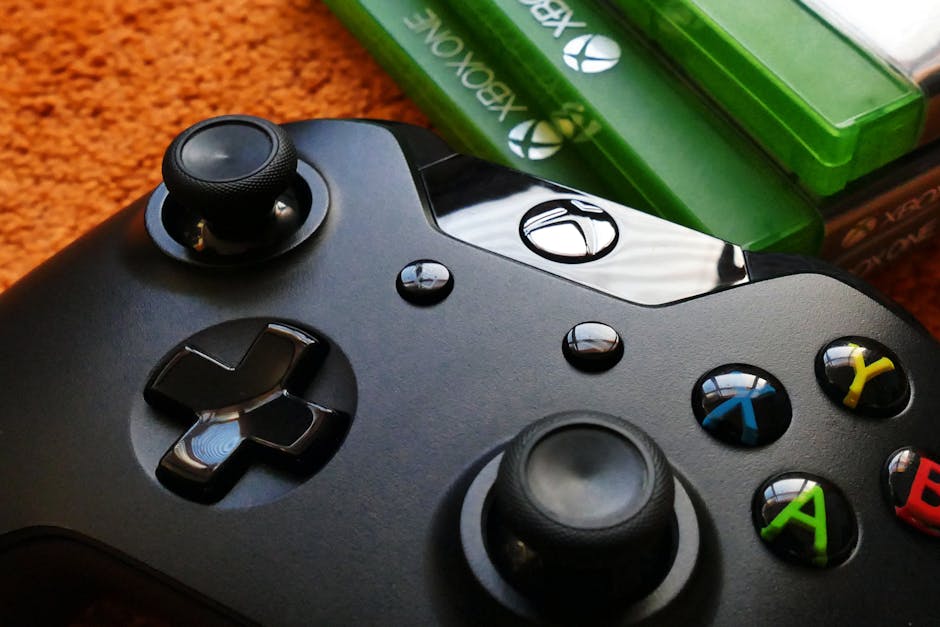
You can now fly through your library and settings without ever touching the screen or a trackpad. It finally makes these handhelds feel like real consoles.
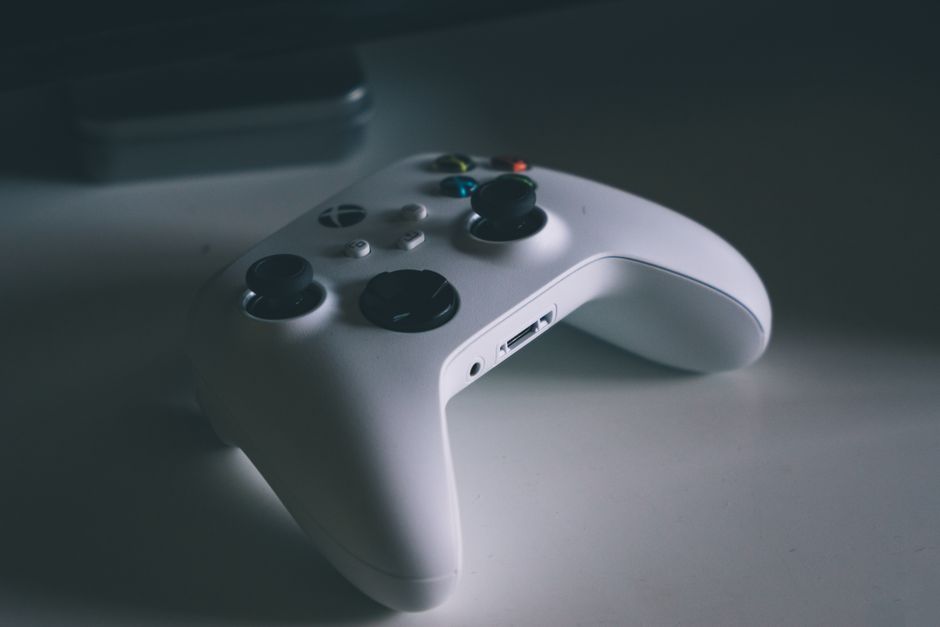
It’s the missing piece that makes portable PC gaming actually fun instead of frustrating.

What’s New? The Best Bits
Microsoft didn’t just slap a new coat of paint on things. They actually made it useful.

- Instant Access: Your recently played games are right at the front so you can jump back in seconds.
- Controller-First Design: Everything is big and easy to navigate with just your thumbs.
- Less Clutter: Say goodbye to annoying pop-ups and desktop icons getting in your way.
- Smart Performance: Windows stays focused on your game to keep things running smoothly.
It really feels like Microsoft is finally listening to what gamers actually want. We want the power of a PC with the ease of a console.
How to Get It Right Now
You don't need to do anything crazy to get this working. It’s rolling out to everyone starting today.
First, make sure your Windows 11 is up to date. Just head to your settings and check for updates.
Next, open the Xbox App on your PC. You should see a prompt for the new "Compact Mode" or "Game Bar" updates.
If you don't see it yet, don't panic. It's hitting different regions throughout the day, so keep checking!
The Era of "Difficult" PC Gaming is Over
For years, people stayed away from PCs because they seemed too complicated. They just wanted to "plug and play."
This update removes that wall entirely. You get the best graphics and the biggest game library, but with the simplicity of a Nintendo Switch.
It’s a massive win for everyone. PC gaming just got a whole lot more inviting.
Are you going to try the new Xbox look on your PC? Let us know if it makes your gaming setup feel more like a console!
Happy gaming! We'll see you in the lobby.
Comments
Post a Comment